Video Production Fundamentals for Creators and Small Teams
Last updated: April 7, 2026
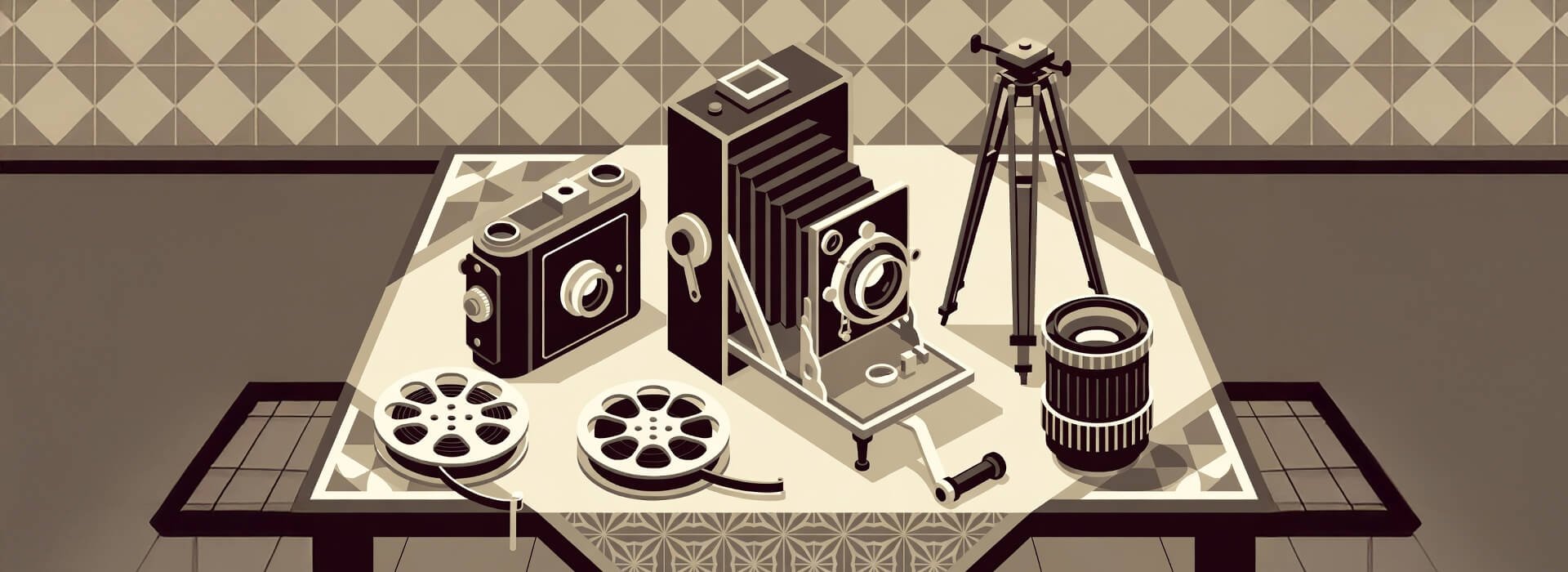
If you're making videos for clients, your own brand, or a small organisation, production fundamentals often decide whether the final piece feels calm and professional or rushed and expensive. Strong results usually come from clear planning, sensible roles, and enough coverage for the edit, saving you frantic last-minute fixes on your next tight deadline.
This guide gives you the broad view first, then helps you move into the right topic when you need more depth on process, interviews, live filming, or role responsibilities. It's written for film students, solo creators, and small teams who want a reliable way to produce stronger video work.
Explore this guide
If there's one section to start with, begin with What video production fundamentals means in practice. It sets the frame for the rest of the guide and helps you make better decisions on real shoots.
- What video production fundamentals means in practice
- Start here if you are new to production
- Pre-production decisions that can save you time later
- Interview-led video production basics
- Choosing the right production approach for common video projects
- What to improve during capture instead of fixing later
What video production fundamentals means in practice
Video production fundamentals are the core decisions and habits that shape a video before the edit begins and while the shoot is happening. In many cases that means setting the right goal, choosing a realistic setup, assigning responsibilities clearly, and capturing enough material to make the edit straightforward.
People often jump to camera settings first, but many production problems begin earlier with unclear goals, thin planning, or missing coverage. That's one reason the three stages of video production model remains useful for beginners and small teams because it gives the work a simple structure.
Why fundamentals matter more for small teams
Small teams don't usually struggle because they lack high-end equipment. They tend to struggle when one person is trying to direct, produce, interview, monitor sound, and watch the clock at the same time.
A simple production system can reduce mistakes and make the result feel more intentional. It also gives you more mental space for creative judgement, which often improves framing, pacing, and the way you work with people on camera. Clear camera-operator responsibilities also help small productions run more smoothly, especially when one person is covering more than one role.
This becomes even more important in interviews, events, and branded content where time is limited and key moments may only happen once. If the process is clear, the team can stay focused when something changes.
Start here if you are new to production
A good first step is understanding the flow from planning to post, then using common mistakes as a quick way to spot habits that tend to cause problems later. The article on rookie filmmaking mistakes is useful here because it highlights avoidable issues that show up across many different shoot types.
Once that foundation is in place, clear role boundaries between a film director and a video producer can make small productions run more smoothly, even when one person is doing both jobs.
The basic production workflow that tends to work
A practical workflow for most creator and small-team projects can be broken into four parts. First define the goal and audience. Next plan the shoot so the team knows what must be captured. Then run the production with enough flexibility to respond to real conditions. Finally review what was captured before wrap so you don't discover gaps later.
That may sound simple, but the difference in quality is usually in the detail. A short interview-led video often needs more than the main interview, and in many cases it also needs cutaways, room tone, and contextual shots to keep the final edit clear and watchable.
Pre-production decisions that can save you time later
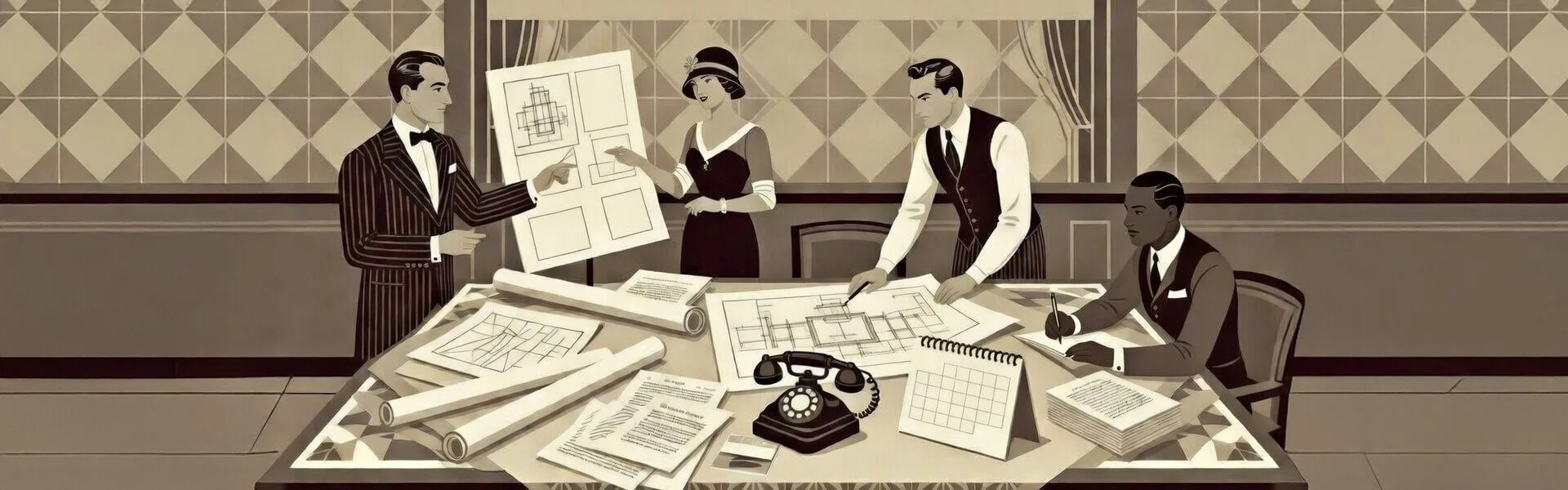
Pre-production is where you make the highest-value choices for time, cost, and quality. The aim isn't to over-plan every second. The aim is to make sure the team knows the outcome, the format, the location limits, and the minimum shots and audio needed.
Many small productions improve quickly when they define a few things before the shoot. What is the message? Who is speaking? Where will it be used? What format is needed? What can go wrong? This level of planning tends to prevent common delays without making the process heavy.
If you're filming for more than one platform, it helps to plan that before the shoot rather than trying to fix it in the edit. A single production can often support a main video and shorter cutdowns when the coverage is planned well.
This quick planning table helps you cover the basics without turning a small shoot into a paperwork exercise.
| Pre-production check | Why it matters | Common mistake | What to do before shoot day |
|---|---|---|---|
| Main message | Keeps the shoot focused and helps every later decision support one clear outcome | Trying to cover too many points in one video | Write one sentence that states what the viewer should understand, feel, or do after watching |
| Audience and use case | Shapes tone, length, framing, and what footage you actually need to capture | Planning the video around what is easy to film rather than what the audience needs | Define who the video is for, where it will be used, and what action or response it should support |
| Format and deliverables | Affects framing, shot choices, captions, and how much coverage you need for cutdowns | Only planning for one format, then forcing crops later | List the main deliverable plus any short clips, vertical versions, or social edits you want from the same shoot |
| Shot priorities | Helps you protect the most important footage if time is tight or conditions change | Treating all shots as equally important | Mark must-have shots first, then add nice-to-have coverage and optional extras |
| Audio plan | Audio quality often has a bigger effect on trust and watchability than visual upgrades | Assuming audio will be fine because the room sounds quiet to the ear | Choose mic setup, bring headphones, and plan a quick sound test in the actual location |
| Location and practical limits | Prevents delays caused by access issues, noise, power, or poor positioning options | Arriving without checking space, background, and sound conditions | Confirm access times, filming space, likely noise, power availability, and backup positions |
| Roles and responsibilities | Keeps decision-making clear when timing gets tight or the plan changes on set | Assuming everyone knows who is leading what | Agree who owns creative direction, logistics, timing, and final shoot-day decisions |
| Review before wrap | Catches missing shots or unusable takes while you still have the chance to fix them | Wrapping as soon as the main take is done | Build in a final review step to check key shots, audio, and must-have coverage before leaving |
Roles that matter even when one person does everything
In small projects, one person may wear several hats. That's normal. What matters is clarity of responsibility rather than job titles.
Someone still needs to own creative direction, and someone still needs to own logistics, timing, and delivery. When those responsibilities are blurred, delays and missed shots become more likely.
Clearer boundaries usually make production days calmer. Even where the same person covers both roles, it still helps to separate creative decisions from scheduling, logistics, and delivery.
Interview-led video production basics
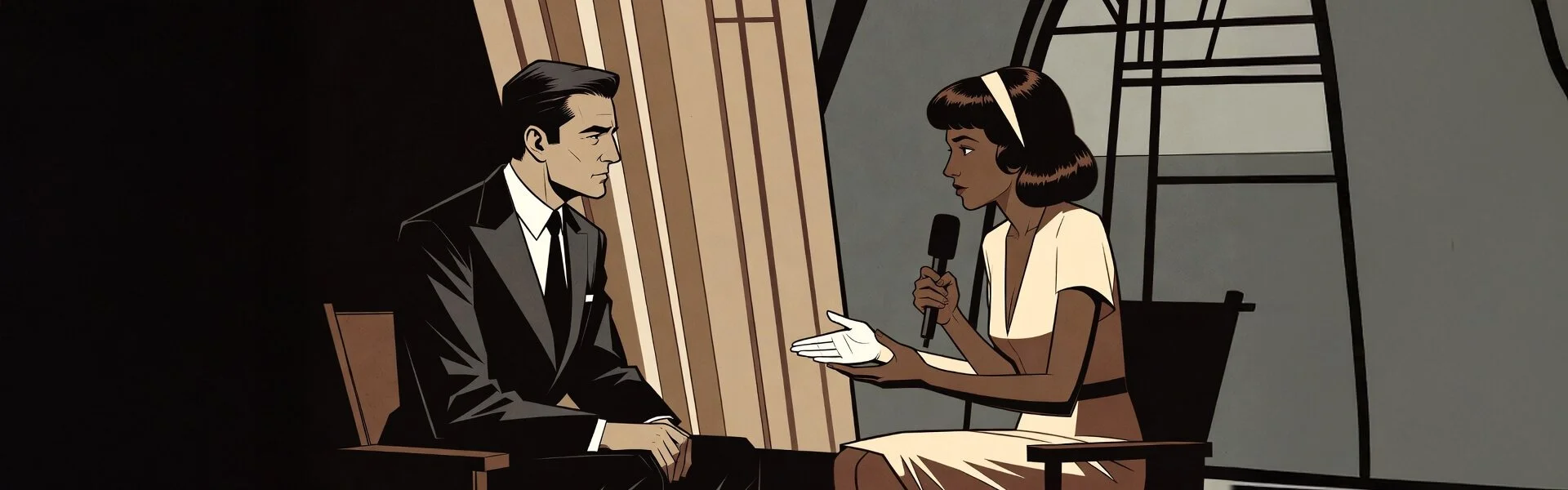
Interviews are one of the most useful formats for creators and small organisations because one shoot can produce a main video, social clips, and quote-led cutdowns. They also expose weak planning quickly if the setup, questions, or audio aren't handled well.
The strongest interview shoots are rarely about camera placement alone. They tend to improve when the team thinks about the human side of interviewing in video production and plans enough coverage around the conversation for the edit.
If you're working with a phone-first setup, a practical approach to filming interviews on iPhone can keep the process simple while still producing footage you can use across more than one format.
Live event filming basics for small crews
Live event filming can look simple from the outside, but in many cases it's a test of planning, positioning, and calm decision-making. You often have changing light, one-time moments, unpredictable sound, and limited room to move.
This is where a producer mindset can matter as much as camera skill. You need a plan for priority moments, access limits, and backup coverage if something changes during the shoot.
A reliable setup matters, but judgement matters just as much in live event filming because there may be no chance to repeat key moments once they're gone.
Common production mistakes and what they often point to
Most beginner mistakes aren't random. They often point to weak planning, too many jobs assigned to one person at once, or not enough coverage for the edit.
Fixing those patterns can improve results faster than buying more equipment. That's why many teams treat mistakes as recurring signals rather than one-off problems, especially when timelines get tight or the brief changes late.
This quick-reference table helps you spot what usually went wrong and what to change before the next shoot.
| Production issue | What it usually means | What it affects | What to do before the next shoot |
|---|---|---|---|
| Weak audio in the edit | Sound was treated as a setup detail instead of a core priority | Clarity, trust, watch time, and how professional the video feels | Test speech in the actual room, monitor with headphones, and record a short sample before the first take |
| Not enough cutaways | The team focused on the main shot and underplanned supporting coverage | Pacing, continuity, and your ability to hide edits cleanly | Prepare a short B-roll list with wide, medium, close, and context shots for each key point |
| Shoot runs late | The plan was too loose, roles were unclear, or setup time was underestimated | Performance quality, coverage depth, and team decision-making under pressure | Set priority shots first, assign responsibilities clearly, and build buffer time into the schedule |
| Confused roles on set | Creative and logistics decisions were not separated before filming started | Momentum, communication, and consistency in the final footage | Decide who owns direction, who owns timing, and who makes the final call if plans change |
| Good-looking footage but unclear message | Visual effort was stronger than the planning for story or communication | Audience understanding, retention, and whether the video achieves its purpose | Write one sentence for the main message and use it to guide questions, shots, and structure |
| Missed key event moments | Coverage priorities and access points were not planned clearly in advance | Highlights edits, client satisfaction, and the usefulness of the final event video | Create a priority moments list, confirm access, and plan backup positions for restricted areas |
| Too much footage to edit efficiently | The shoot captured volume without enough structure or intention | Edit time, versioning speed, and consistency across cutdowns | Capture to a shot plan, repeat only what you need, and pause for a quick review before moving on |
| Subject looks uncomfortable on camera | The setup, pacing, or interview approach made the person self-conscious | Natural delivery, credibility, and how usable the best lines are in the edit | Start with easy warm-up questions, explain the process simply, and keep the setup calm before recording |
Choosing the right production approach for common video projects
The best production approach depends on the project. A solo creator filming a talking-head update may need speed and consistency. A small team filming an interview may need stronger audio control and better coverage. An event team may need mobility and clear shot priorities.
This quick-reference table helps match your project to the right priorities and next steps.
How to decide what matters most on a shoot
There isn't a single right setup for every video. A better approach is to decide what matters most for this project before choosing the workflow.
Ask a few simple questions. Is the main goal clarity of message? Is it polish? Is it speed? Is it coverage of a live moment? Your answers should shape the plan, the crew roles, and the level of preparation.
This tends to lead to better decisions than copying a setup from a very different type of shoot. It also keeps your production choices tied to the result you actually need.
What to improve during capture instead of fixing later
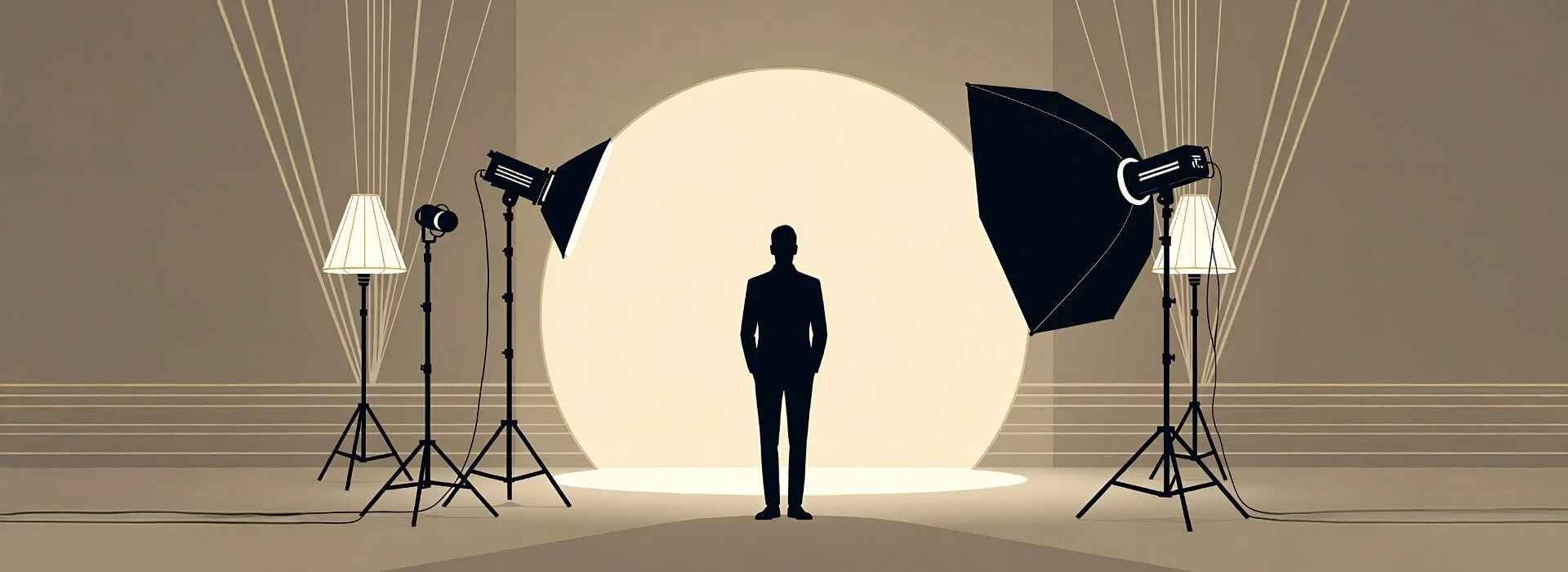
Many production problems are easier to improve on set than in post. Audio is a common example. If speech is unclear or the room is noisy, the edit becomes harder and the result may still feel rough.
In many small-team shoots, audio quality is the single factor that most often separates amateur from professional results when it's fixed on set. Lighting and room sound also have a big effect on how trustworthy and professional a video feels.
Many teams get more value by improving two-point lighting and paying attention to ambient sound during capture rather than trying to rescue everything later.
Where to go next from here
Use this guide as a starting point, then move into the topics that match the job in front of you. Interview-led projects usually improve when the team gets sharper on interviewing and plans practical coverage for the final edit.
If you're preparing a phone-first shoot, strong results often come from combining mobile interview filming with a simple lighting and audio plan before the subject arrives.
When a live job is coming up, production confidence tends to improve when priorities are clear in event filming and role decisions are settled in advance. This page is also ready for alt-text images of example setups if you want to add visual references later.
A visible review date at the top can help readers see the page is maintained, and it leaves room for FAQ or HowTo schema if you add it later.
Frequently asked questions
What are video production fundamentals?
Video production fundamentals are the basic planning and execution decisions that shape a video from pre-production through filming and into post. They usually include goals, roles, coverage, audio, and workflow choices.
What is the difference between a video producer and a director?
In many projects, the producer tends to focus on planning, logistics, timing, and delivery while the director tends to focus on creative choices and what appears on screen. In small teams, one person may do both, but it still helps to separate those responsibilities clearly.
Do I need expensive gear to make professional-looking videos?
Not always. In many cases, planning, clean audio, stable framing, and sensible lighting make a bigger difference than expensive equipment. A basic setup used well can produce strong results.
How much pre-production does a small team need?
Small teams often benefit from light but clear planning. A defined goal, a shot list, role clarity, and a short risk check can go a long way without slowing the project down. In many cases, a 10-minute planning chat and a one-page shot list can remove most of the avoidable risk on a simple shoot.
What should beginners learn first in video production?
A good starting point is the production process itself, then common mistakes, then role clarity. Once those are in place, it becomes easier to improve areas like interviews, live filming, lighting, and sound, and many beginners benefit from spending their first focused hour on basic audio checks and recording tests.
About this guide
This guide is designed as a practical reference for creators and small teams working on real shoots with limited time, changing conditions, and shared responsibilities.
This guidance draws from my hands-on work across small-team interviews, brand shoots and live events where the same planning gaps repeatedly caused the same avoidable problems.
Where to go next
Intrigued by any of these? Click the articles below for a deeper dive.
| Article | Best for | Who it suits |
|---|---|---|
|
|
Understanding the full production process from planning through filming and post so you can make better decisions at each stage | Beginners, film students, solo creators, and small teams who want a reliable structure before focusing on gear or software |
| Clarifying who leads creative decisions on set and how direction shapes performance, framing, and the final result | Creators stepping into directing, student teams, and small productions where one person may be covering more than one role | |
| Understanding how planning, scheduling, logistics, and delivery decisions keep a production moving under real constraints | Small teams, client-facing creators, and anyone managing timelines, contributors, or shoot-day coordination | |
| Understanding who owns framing, movement, coverage, and shot usability on a small production so footage stays workable in the edit | Small teams, creators wearing multiple hats, and client-facing shoots where clearer on-set role boundaries improve both coverage and process | |
| Improving the human side of interview-led videos through better questions, stronger answers, and more usable footage | Interview-led creators, documentary beginners, brand teams, and anyone producing testimonial or case study videos | |
| A practical interview setup when you need speed, portability, and footage that still holds up in the edit | Solo creators, students, small businesses, and mobile-first video teams filming in offices, homes, or live locations | |
| Planning reliable event coverage when key moments happen once and conditions can change quickly during the shoot | Event videographers, small crews, and creators filming conferences, panels, talks, or other live sessions | |
| Spotting repeat mistakes in planning, shooting, and decision-making before they cost time, confidence, or usable footage | Beginners, improving creators, and small teams tightening up their production workflow under real deadlines |