
Top Mobile Video Editing Apps 2026: Best Picks for Beginners on iOS and Android
Last updated: March 30, 2026
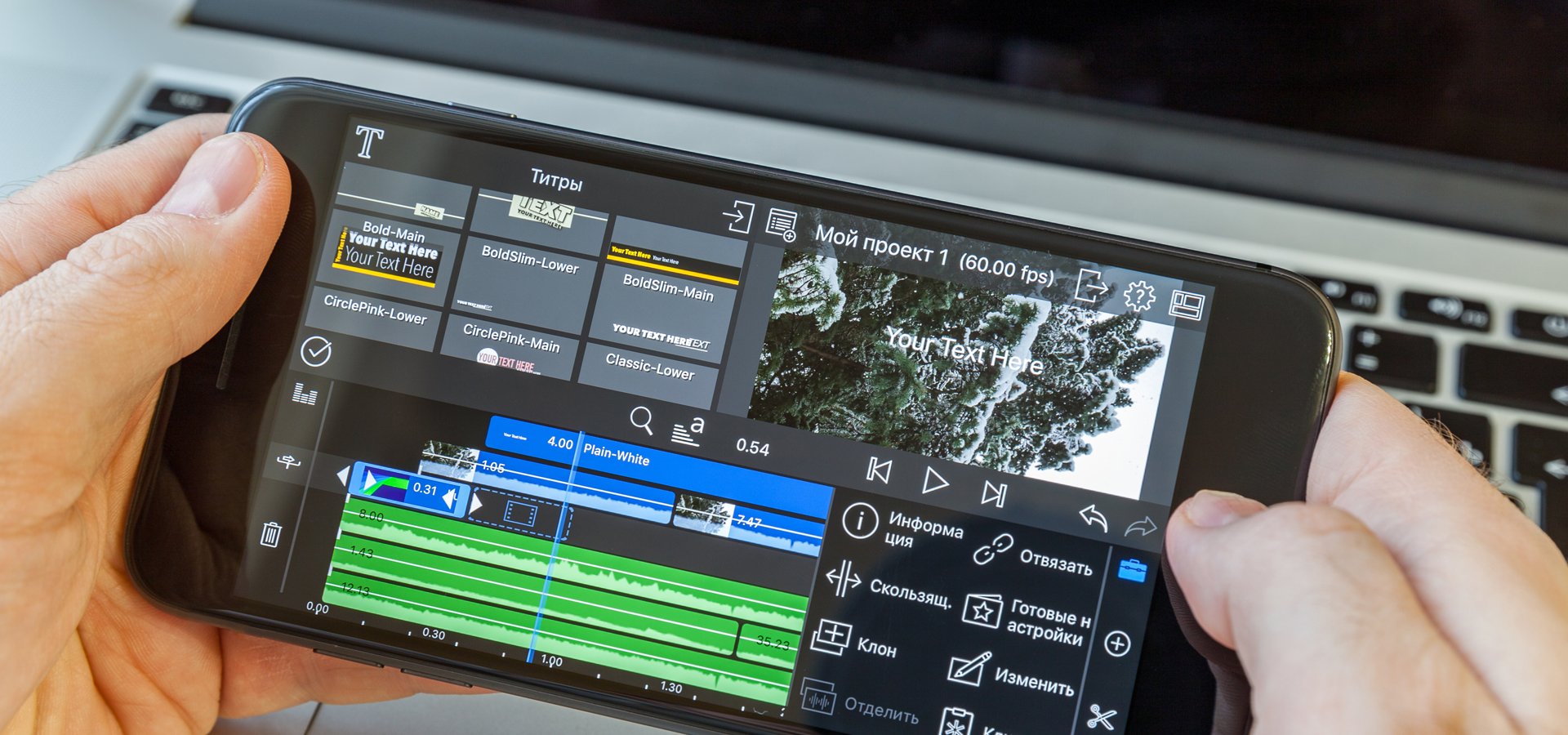
A few years ago, creating polished video content meant expensive gear and hours at a desktop computer. Today, in early 2026, your smartphone can handle nearly everything, from quick social clips to structured brand stories or short documentaries. Even when I shoot with professional tools like the Blackmagic Camera app on iPhone for manual controls, ProRes recording, and DaVinci Cloud sync, I often turn to mobile editing for quick assemblies or full projects on the go.
As a filmmaker who regularly shoots and edits on mobile, especially when travelling light or testing ideas on set, I have watched these apps mature into genuinely capable tools that balance power and simplicity. In this refreshed guide, I have curated the standout apps that deliver real value for beginners, drawing on hands-on workflows and proven performance in real projects. They also sit inside a wider set of decisions around editing, delivery, and video SEO for creator-led video, especially once your workflow starts reaching beyond quick exports and into clearer publishing choices. Ready to get hands-on? Our mobile video workshops dive deeper into workflows with these exact tools.
Here's a quick comparison of the top picks to help you decide at a glance:
| App | Platforms | Best For | Key Strength | Watermark? |
|---|---|---|---|---|
| Adobe Premiere Rush | iOS & Android | Cross-device teams | Seamless sync with Premiere Pro | No (paid) |
| CapCut | iOS & Android | Quick social edits, trends | AI tools, templates, no watermark | No |
| DaVinci Resolve | iPad only | Pro colour grading & workflows | Hollywood-grade colour & Blackmagic sync | No |
| InShot | iOS & Android | Fast vertical content | Super simple, direct social sharing | No (paid remove ads) |
| LumaFusion | iOS/iPad only | Serious creators, short films | Desktop-like timeline & colour tools | No |
| VN Video Editor | iOS & Android | Precise multi-track editing | Clean timeline, pro controls | No |
Adobe Premiere Rush: Seamless Cross-Platform Workflow

Rush bridges mobile and desktop beautifully, syncing projects to Creative Cloud. Its auto-reframe and motion graphics templates are genuinely useful for consistent branding across devices.
Pros:
Full sync with Premiere Pro desktop
AI auto-reframe and colour match tools
Premium templates and stock music
Works well on both iOS and Android
Cons:
Subscription required for unlimited exports (£9.99/month often bundled)
Can feel slightly less optimised on lower-end phones
Great if you are already in the Adobe ecosystem or plan to move to desktop editing.
2. CapCut: The Standout Free All-Rounder That's Hard to Beat
CapCut has become the default choice for many creators in 2026, and for good reason. Completely free with no watermarks, it packs AI tools that genuinely speed up editing without dumbing things down. On recent brand shoots, I have used its auto-caption generator to create accurate, styled subtitles in minutes, saving hours compared to manual timing. That matters because subtitles often do more than improve accessibility; they also make mobile-first video easier to follow in real viewing conditions. The keyframe animation is precise enough for smooth transitions and text reveals, while background removal and AI effects let you experiment creatively without plugins. Note: As it is owned by ByteDance (TikTok's parent), some creators prefer alternatives for privacy reasons, but its features are hard to match.
Pros:
Fully free, no watermarks or forced ads
Powerful AI: accurate auto-captions, smart cut suggestions, background removal
Huge template library and trending effects/music integrated with TikTok
Excellent performance on both iOS and Android, with cloud sync
Cons:
Advanced colour grading is not as deep as dedicated pro apps
Some cloud-based AI features require internet
3. DaVinci Resolve for iPad: Hollywood-Grade Editing on Mobile
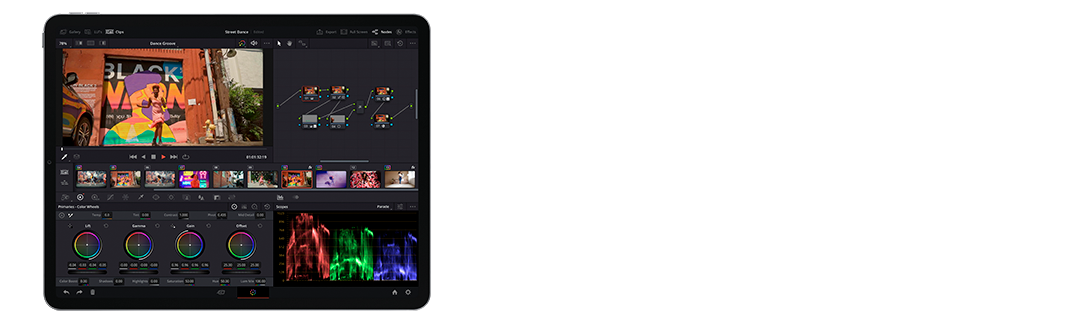
A standout addition for 2026 is DaVinci Resolve on iPad, which brings true professional colour grading and editing to mobile without compromise. I have used it for colour work on footage shot with the Blackmagic Camera app, where clips sync directly via Blackmagic Cloud for seamless workflow. The free version is incredibly capable, with the full node-based colour page that pros rely on desktop.
Pros:
Industry-standard colour tools and Fusion effects
Direct integration with Blackmagic Camera app and Cloud
Free version handles most projects; Studio upgrade unlocks advanced features
Background rendering and fast performance on M-series iPads
Cons:
iPad only (best on recent models with plenty of storage)
Can feel overwhelming for absolute beginners at first
4. InShot: Quick Social Cuts with Beginner-Friendly Polish

InShot remains a solid choice for fast, platform-ready edits, especially vertical content for Reels and Stories. Its strength lies in simple, effective tools: easy trimming, filters, text overlays, and direct sharing. I have used it for quick client revisions when they need something turned around immediately.
Pros:
Super intuitive for absolute beginners
Great built-in filters, stickers, and canvas resizing
Direct export optimised for social platforms
Free version is functional (ads removable via purchase)
Cons:
Advanced timeline features are basic
Some premium effects locked behind paywall
5. LumaFusion: Pro-Level Power for Serious iOS Creators

For iOS users ready to step beyond basic edits, LumaFusion is still unmatched on mobile. Its multi-track timeline, external monitor support, and advanced colour tools feel like a trimmed-down desktop NLE. I have edited full short films on iPad with it, using keyframes and audio mixing that rival Premiere Pro.
Pros:
Desktop-class features: multi-cam, advanced colour wheels, XML export
One-time purchase with no subscription
Rock-solid stability with 4K/6K workflows
Excellent audio tools and marker support
Cons:
iOS/iPadOS only
Steeper learning curve for complete newcomers
6. VN Video Editor: Free and Powerful for Android Users

VN continues to impress with its minimalist design and rock-solid free version: no watermarks, no paywalls for core features. I have relied on it when editing multi-clip sequences on location, appreciating the smooth multi-track timeline and curve speed controls that make ramping effects feel natural. Recent updates improved export speeds and added more precise keyframing.
Pros:
Completely free with professional-grade timeline
Intuitive multi-layer editing and curve-based speed adjustments
Strong music library and subtitle tools
Lightweight and fast, even on older devices
Cons:
Fewer trendy templates compared to CapCut
AI features are more limited
If you prefer a distraction-free workspace that feels closer to desktop software, VN is ideal.
Final Thoughts
Mobile editing in 2026 is no longer a compromise. It is often the smartest way to work, even on professional projects. These apps have empowered a new generation of creators to tell stories without gatekeepers or huge budgets. Start with CapCut or VN if you are just beginning. Graduate to LumaFusion or DaVinci Resolve when you are ready for more control. Whichever you choose, the key is consistent practice. Experiment, review your exports critically and keep creating.
Need personalised guidance? Drop us a message via the contact page, or join one of our hands-on workshops. Here is to making better videos in 2026.