
Why Subtitles Matter in Video and What Good Captions Actually Do
Last updated: March 30, 2026
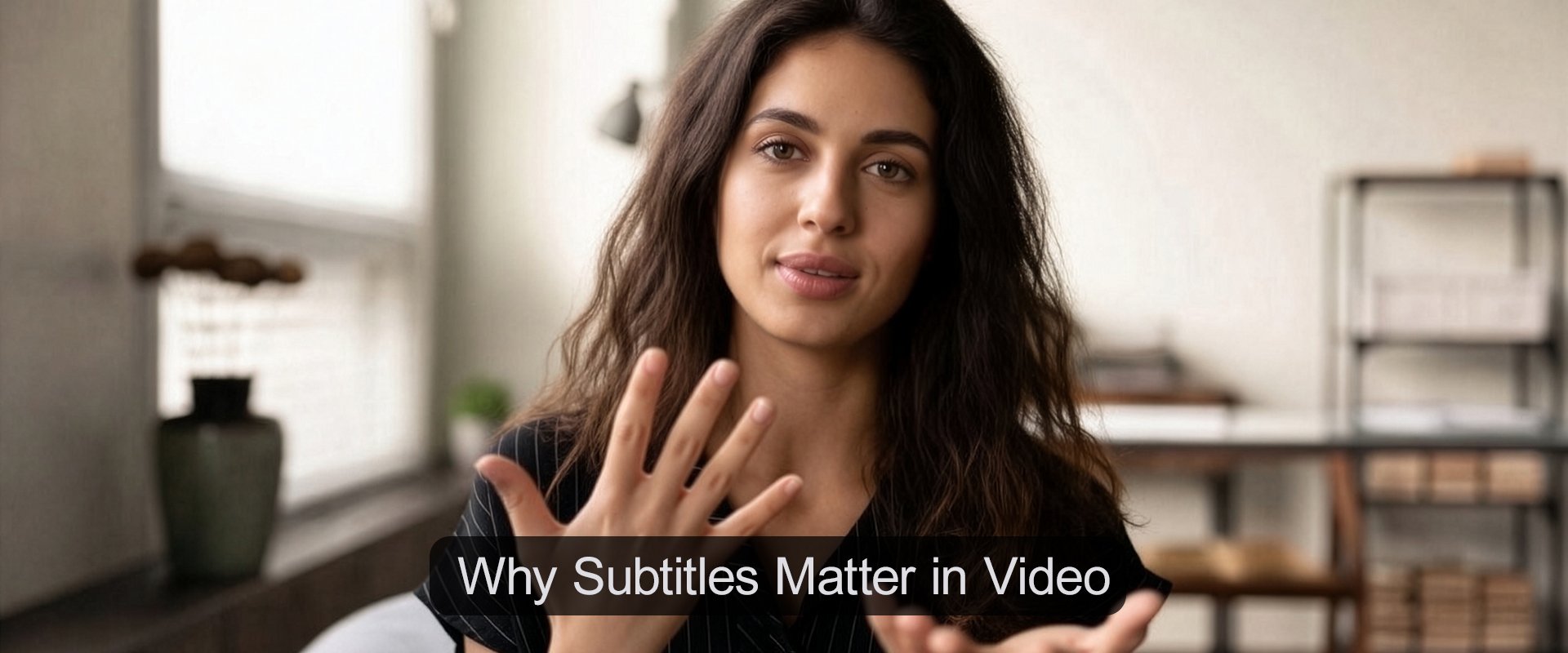
A lot of videos now include subtitles, but that does not always mean they are helping.
Sometimes the text is late. Sometimes names are wrong. Sometimes the captions cover the part of the frame the viewer actually needs to see. In other cases, the wording is accurate enough, but still awkward to read at normal speed.
That is the real issue. The problem is not whether captions exist. It is whether they make the video easier to follow.
When subtitles are handled well, the message lands faster, the video feels more considered, and the viewer has to work less to stay with it. When they are handled badly, the finish feels less controlled and less trustworthy.
That is one part of a bigger post-production decision. Editing, Delivery and Video SEO for Creator-Led Video looks at the wider choices around shaping footage, improving clarity, and publishing video in a way that supports how it is watched.
Start with the basic distinction
People often use “subtitles” as a catch-all term, but a couple of differences matter.
Captions usually means same-language text that helps viewers follow the spoken audio
Subtitles may also refer to translated text for viewers in another language
Open captions are burned into the video and always visible
Closed captions sit as a separate text track that the viewer can switch on or off
That choice affects flexibility, readability, accessibility, and how easy it is to make corrections later.
Why people use captions even when they can hear the audio
Captions are not only about accessibility, though that remains an important reason to use them.
They also help because people watch video in imperfect conditions:
with the sound low
without headphones
in public places
while splitting attention
while trying to follow unfamiliar names or terminology
A caption file will not rescue weak audio, but it can reduce just enough uncertainty to keep the viewer with the point.
What good captions actually do
Good captions do more than repeat speech on screen. They reduce uncertainty.
In practice, that usually means four things:
the wording is right
the timing feels natural
the text is easy to scan
the captions do not fight with the rest of the frame
This is where people often confuse captions with other on-screen text. Captions carry spoken content. Lower thirds identify a speaker or add short context. They are not doing the same job, and if both are needed they need planning together.
Open captions or closed captions?
There is no single right answer. The better option depends on where the video is going to live and how much control the viewer needs.
| Caption approach | Where it tends to work best | Main trade-off to watch |
|---|---|---|
| Open captions | Short social clips, silent autoplay environments, and fast-turnaround videos where the text needs to be visible immediately | Less viewer control, harder to revise later, and easier to clash with graphics or lower thirds |
| Closed captions | Website video, YouTube uploads, learning content, and video libraries where flexibility matters | Requires correct setup, upload, and review before publishing |
| Auto-generated captions | Fast first drafts, quick internal review, and simple social workflows | Errors in names, jargon, punctuation, timing, and speaker changes can quickly reduce trust |
| Edited caption file | Commercial video, interview-led content, explainers, and anything expected to stay useful over time | Needs more care up front, but usually gives better readability and stronger long-term control |
| Translated subtitles | Videos intended for multilingual audiences or wider market use | Needs proper review for tone, terminology, and context rather than direct export alone |
If you are using closed captions, this often means uploading a separate subtitle file such as an SRT subtitle file, which stores the text and timing so captions can be switched on or off without being burned into the video.
Fonts that work well for subtitles
The best subtitle font is usually the one the viewer barely notices.
That does not mean it should look plain for the sake of it. It means it should read quickly, hold up on smaller screens, and stay clear over moving footage. In most cases, subtitle text works best when it feels stable, clean, and easy to scan rather than heavily styled.
A good rule is to choose legibility over personality. If the viewer has to work at the text, the captions are no longer helping as much as they should.
| Font | Why it works well for subtitles | What to watch |
|---|---|---|
| Arial | Widely available, simple to read, and dependable across different platforms and export settings | Can feel visually generic, so it works best when styling stays clean and restrained |
| Helvetica | Clean, balanced, and easy to scan quickly on modern video layouts | Not always available in every editing environment, so fallback choices matter |
| Roboto | Clear on digital screens, readable at smaller sizes, and a strong fit for web-first or mobile-first video | Can feel slightly more contemporary than neutral, depending on the rest of the design |
| Open Sans | Friendly, readable, and effective when you want subtitles to feel soft but still highly legible | Needs sensible weight and spacing so it does not feel too light over bright footage |
| Inter | Very clear on screens, modern without being distracting, and strong for newer digital editing workflows | May feel a little too designed if the rest of the video style is very plain |
| Verdana | Built for screen readability and often holds up well at smaller sizes | Wider letterforms can take up more space, which matters when captions need to stay compact |
In most cases, the best subtitle choice is not the most distinctive font. It is the one that stays readable across phones, laptops, embedded players, and fast-moving footage without drawing attention to itself.
Auto-captions are a start, not the finished job
Automatic captions are useful, especially for a first pass. They are also where a lot of teams stop too early.
Common problems include:
names, titles, or technical terms transcribed incorrectly
captions appearing too late or disappearing too quickly
too much text held on screen at once
wording that reads like a raw transcript rather than watchable captioning
captions covering lower thirds, product shots, or demonstrations
no check on a phone screen
no review after upload
None of these mistakes is huge on its own. Together, they make the video feel less careful.
Website video usually needs a more deliberate caption choice
If the video is going on your website, a separate caption file often makes more sense than burning text into the image.
That usually gives you:
easier updates later
better control across a library of videos
less conflict with page design
more flexibility if translated tracks or future edits are needed
The point is not to make the setup heavier than it needs to be. It is to choose the option that fits how long the video needs to stay useful.
A simple review process that catches most problems
You do not need an elaborate workflow for every video, but you do need one.
Generate a first pass from the platform or editing tool
Correct names, terminology, and obvious errors
Tighten wording where needed for readability
Check timing against the spoken rhythm and the cut
Check placement against graphics and key visuals
Test the video on a phone
Review the live version after publishing
That final step is often the one people miss.
Where tools help
Most tools are good enough to get you started. The more important question is whether they let you fix the details that affect trust and readability.
For quick social work, lighter tools can be enough. For interview-led pieces, explainers, website video, or anything with a longer shelf life, the review process usually matters more than the tool itself.
Final thought
The aim is not to put more text on screen, but to make the video easier to follow in the way people actually watch. Handled well, subtitles reduce friction, support clarity, and help the finished piece feel more reliable without adding unnecessary polish.
Related reading
If you want to go further, these related articles cover the wider editing, on-screen text, and website publishing decisions that shape how captioned video is watched and understood.
| Article | Best for | Who it suits |
|---|---|---|
|
|
Seeing how subtitles fit into the wider editing, delivery, and website publishing picture without treating captions as a separate afterthought | Creators, marketers, communications teams, and publishers who want a clearer overall framework for shaping video after the shoot |
| Understanding the difference between captions and lower-screen text, and avoiding clutter when both need to appear in the same video | Interview-led creators, educators, branded content teams, and anyone using speakers, hosts, or contributors on camera | |
| Understanding what subtitles can support on a website and what still depends on the page, embed setup, and surrounding context | Website publishers, creator-educators, service businesses, and small teams using embedded video as part of a broader content strategy |